Stemquill
A downloadable tool for Windows
Stemquill
Turn audio stems into MIDI you can drop straight into your DAW. Give Stemquill the drum, bass, keys or vocal stems from a stem splitter, Suno, Udio or your own bounces, and it writes one MIDI file per stem. You can then play the parts with your own drum kit and synths, change the notes, or rebuild the arrangement.
🥁 Every piece of the drum kit, on its own note
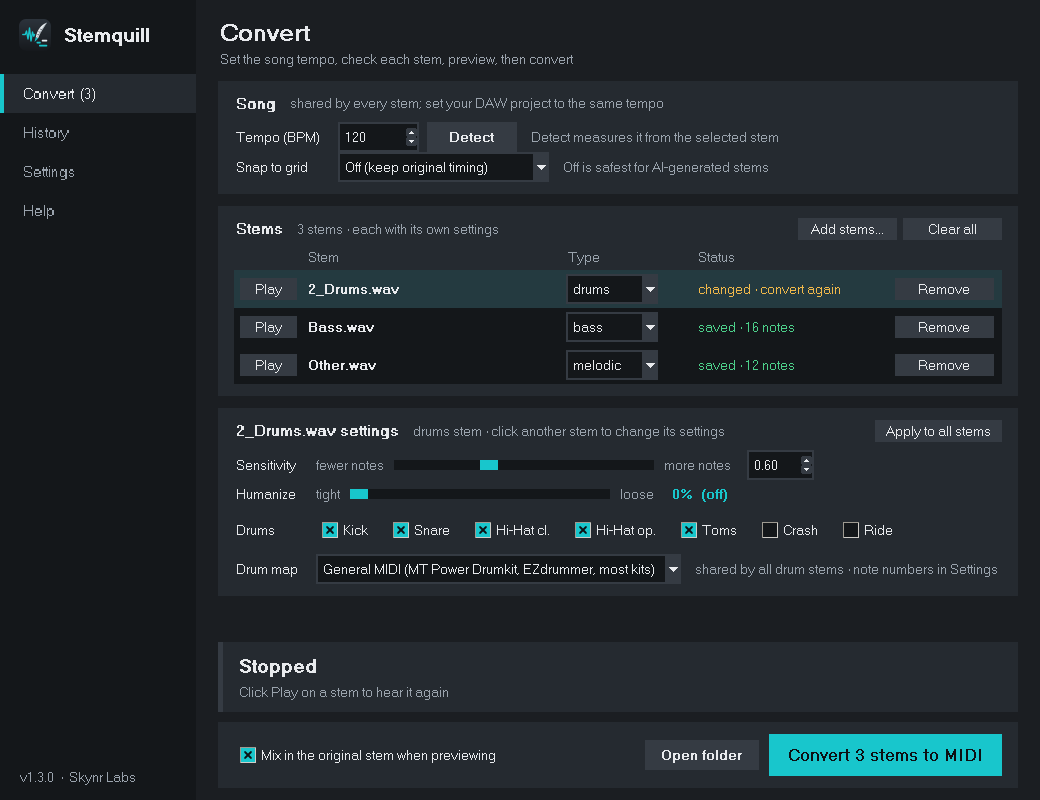
Kick, snare, closed and open hi-hat, high, mid and low toms, crash and ride are each detected and written to the right note. Pick a drum map for General MIDI kits (MT Power Drumkit, EZdrummer, Addictive Drums, Superior Drummer) or pad samplers (FL Studio FPC, Ableton Drum Rack, MPC), or type your own note numbers.
🎸 Bass lines, leads and chords
Bass and vocal stems become clean single-note lines. Guitar, keys and synth stems come out as chords. Tick Better chord detection in the installer for more accurate chords (adds about 45 MB).
▶️ Hear it before you save it
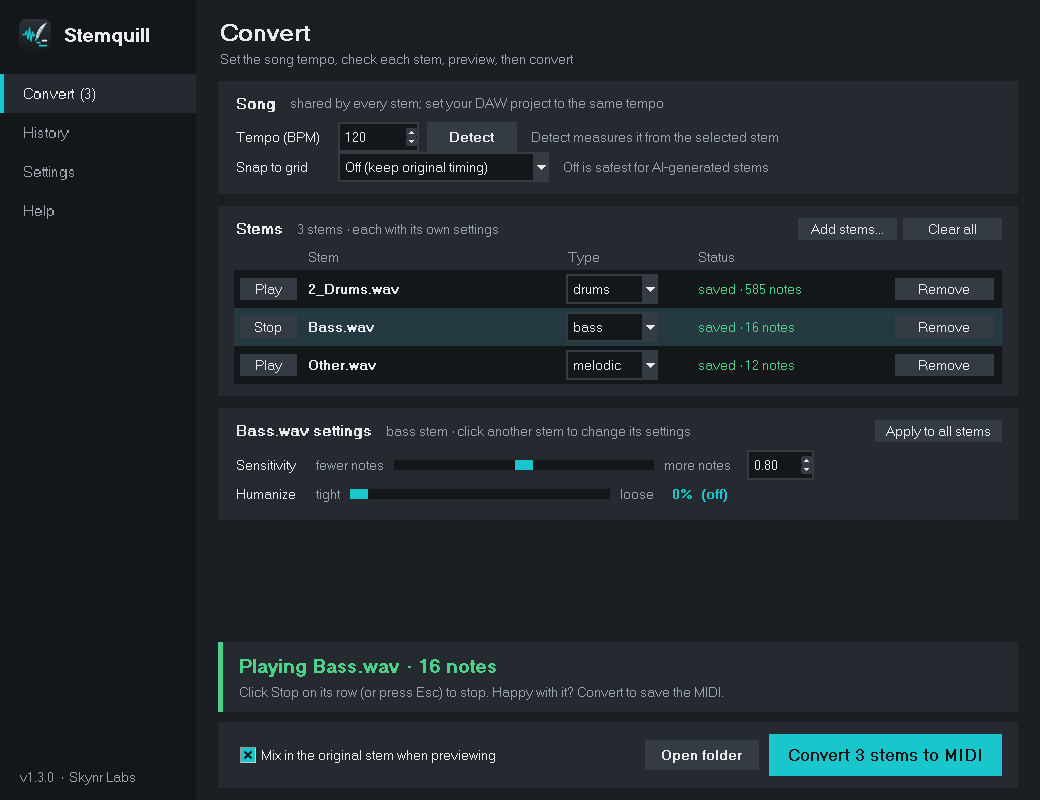
Press Play on any stem to hear the MIDI with built-in sounds, with the original stem mixed in, so you can check the timing before writing a file.
⏱️ Tempo detection
Stemquill measures the real BPM from a stem so the MIDI lines up with your DAW's grid. Snap to 1/8, 1/16 or triplets, or keep the original feel.
🎚️ Sounds played, not programmed
Humanize adds small timing and velocity changes. Every stem has its own sensitivity and humanize settings, and Apply to all copies them across.
Key features
- 100% offline: everything runs on your computer. Your audio is never uploaded.
- Free and open source: MIT licensed. No account, no subscription, no watermark.
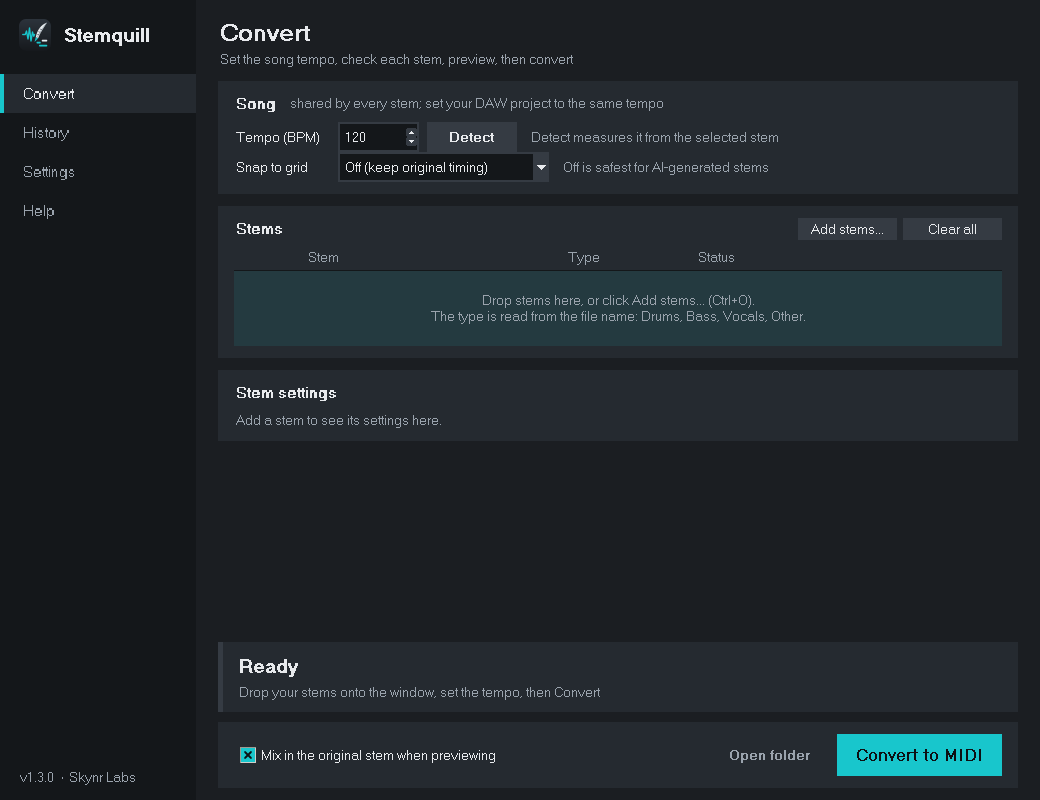
- Drag and drop: drop stems or a whole folder onto the window and convert them in one go.
- Know where you stand: each stem shows when it's saved, and tells you if you changed a setting since.
- GUI or command line: point and click, or script it.
Perfect for
- AI music creators: take Suno or Udio stems into a real DAW and replace the sounds.
- Producers and beatmakers: pull the groove out of a loop or an old bounce.
- Remixers: rebuild a drum part or bass line with your own instruments.
- Songwriters: get a rough MIDI sketch of a part without programming it note by note.
How it works
- Drop your stems in and click Detect to get the tempo.
- Check each stem's type (drums, bass, vocal, melodic or synth) and press Play to preview it.
- Click Convert. Drag each .mid onto its track at bar 1.
Requirements
- Windows 10 or 11 (64-bit). No Python or admin rights needed.
- macOS and Linux: install from source with pipx (Python 3.10 or newer). See GitHub.
Windows may show "Windows protected your PC" because the app isn't code-signed yet. Click More info → Run anyway.
Pay what you want
Stemquill is free, and $0 is fine. If it saves you time, paying what you want helps cover code signing (so Windows stops warning about the installer) and keeps new features coming.
Honest note: this is transcription, so it isn't perfect. Clean, isolated stems give the best results, and busy ones may need a quick tidy in the piano roll.
💻 Source code, issues and macOS/Linux install: github.com/skynrlabs/Stemquill
Made by Skynr Labs
Download
Click download now to get access to the following files:
Leave a comment
Log in with itch.io to leave a comment.