WavMasta
A downloadable tool for Windows
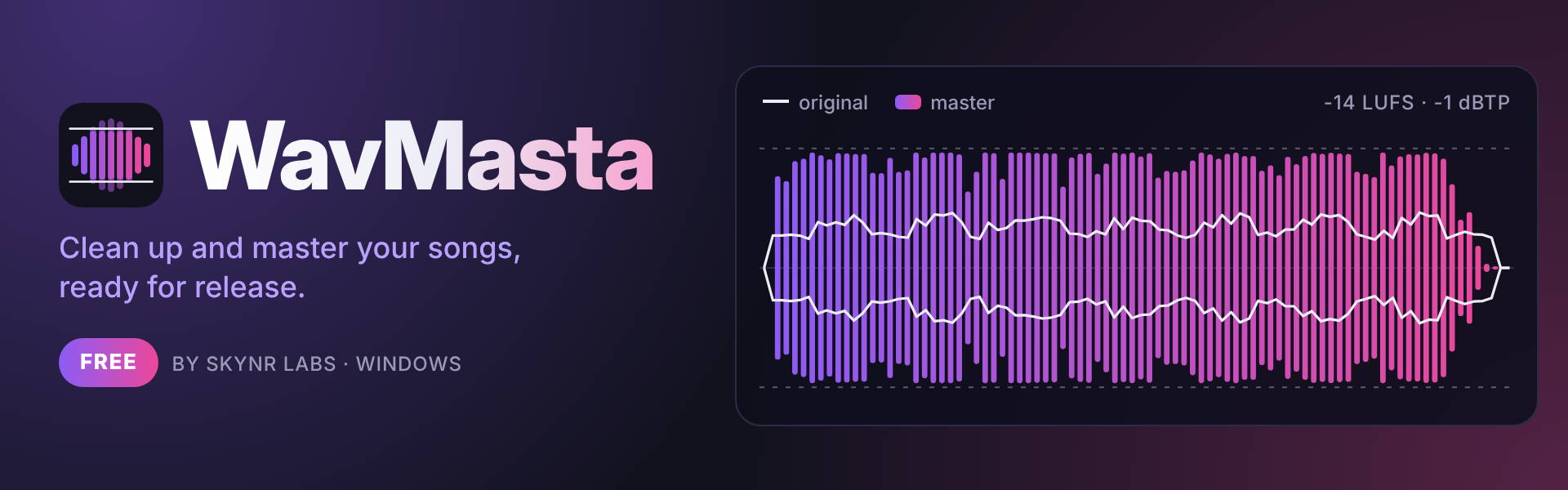
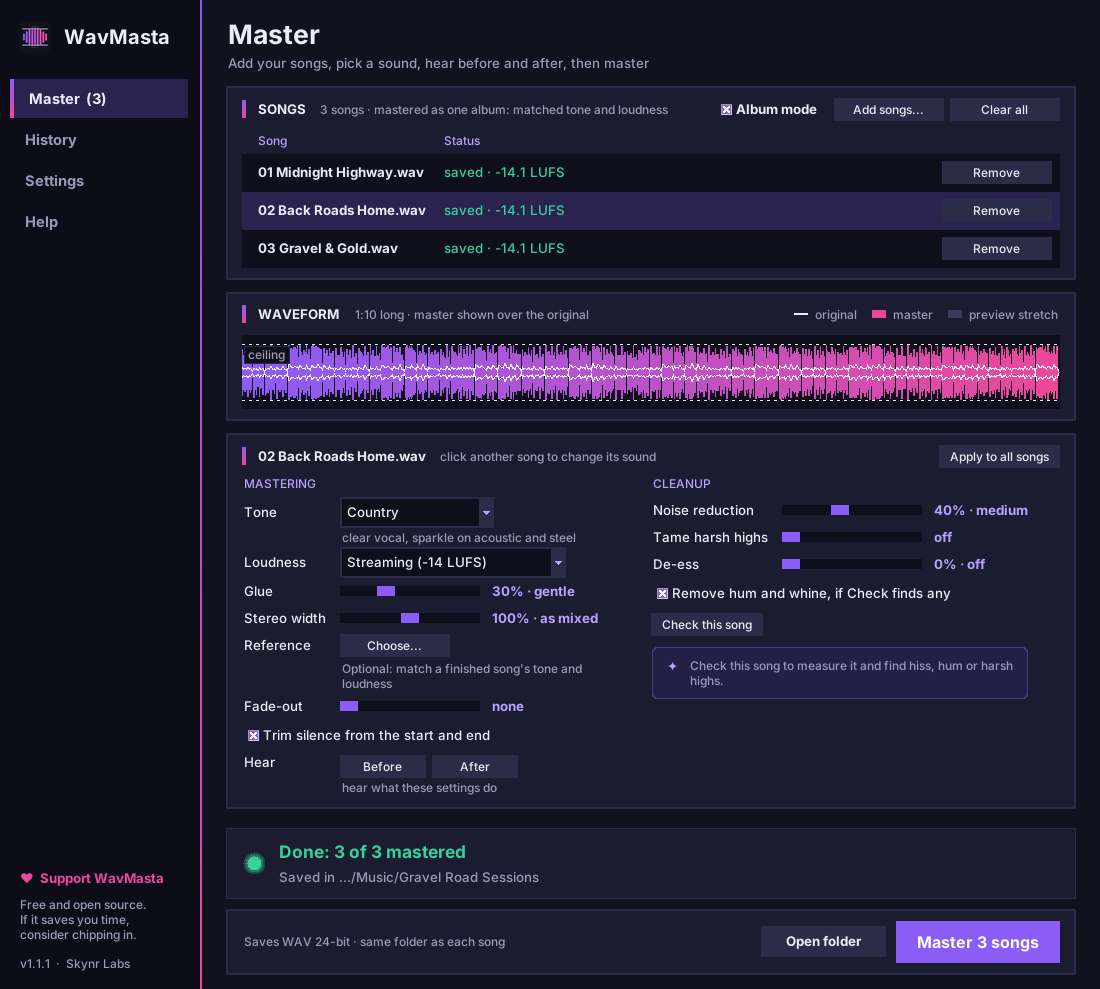
WavMasta takes your finished mix and makes it release-ready. It checks the song for problems, cleans them up, gives it a gentle tone and glue, and brings it to the right loudness for Spotify, Apple Music and YouTube, with peaks kept safely under the ceiling.
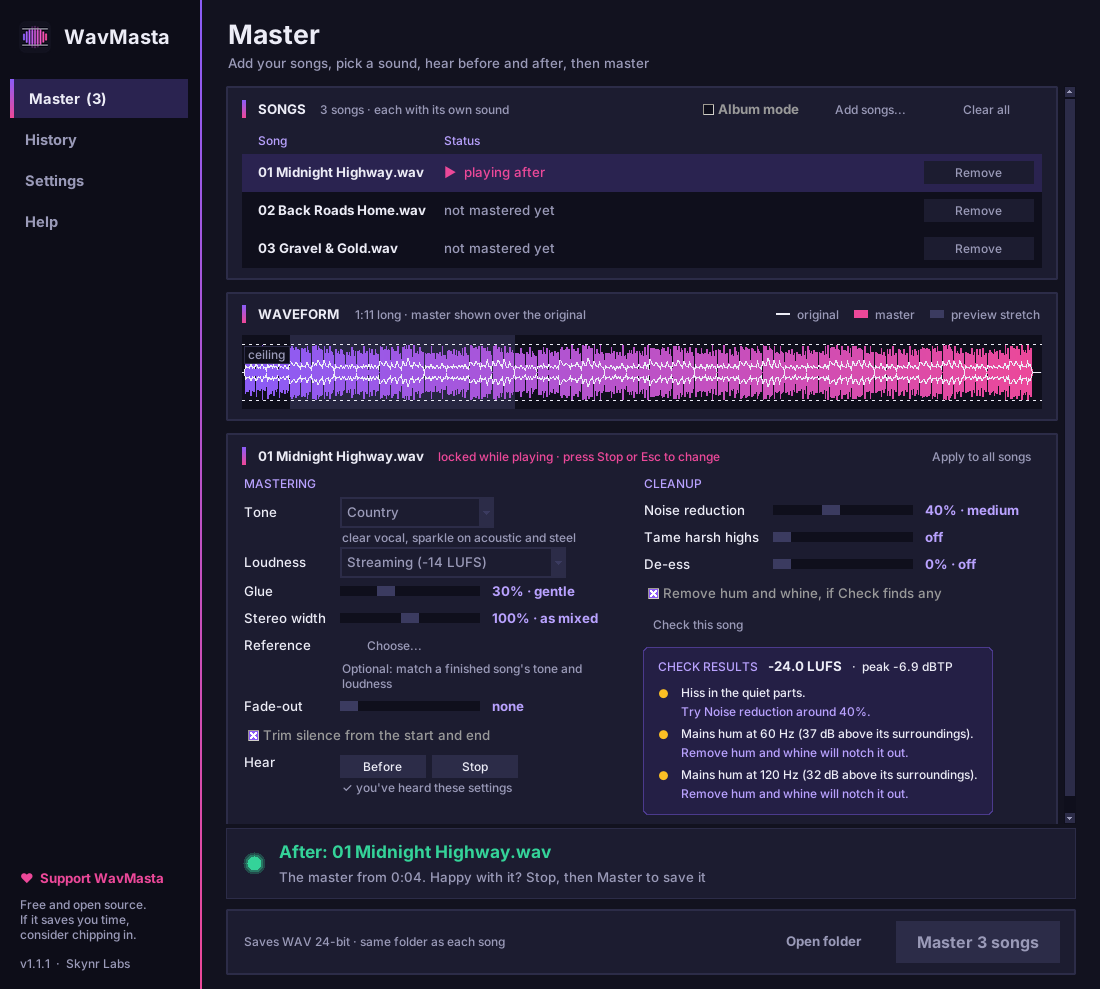
Press Before and After to hear the difference at equal loudness, then Master to save <song> - master.wav next to the original. Your original is never changed.
Free to download. Pay what you want if it saves you time. $10 is suggested, and $0 is fine too.
✨ What it does
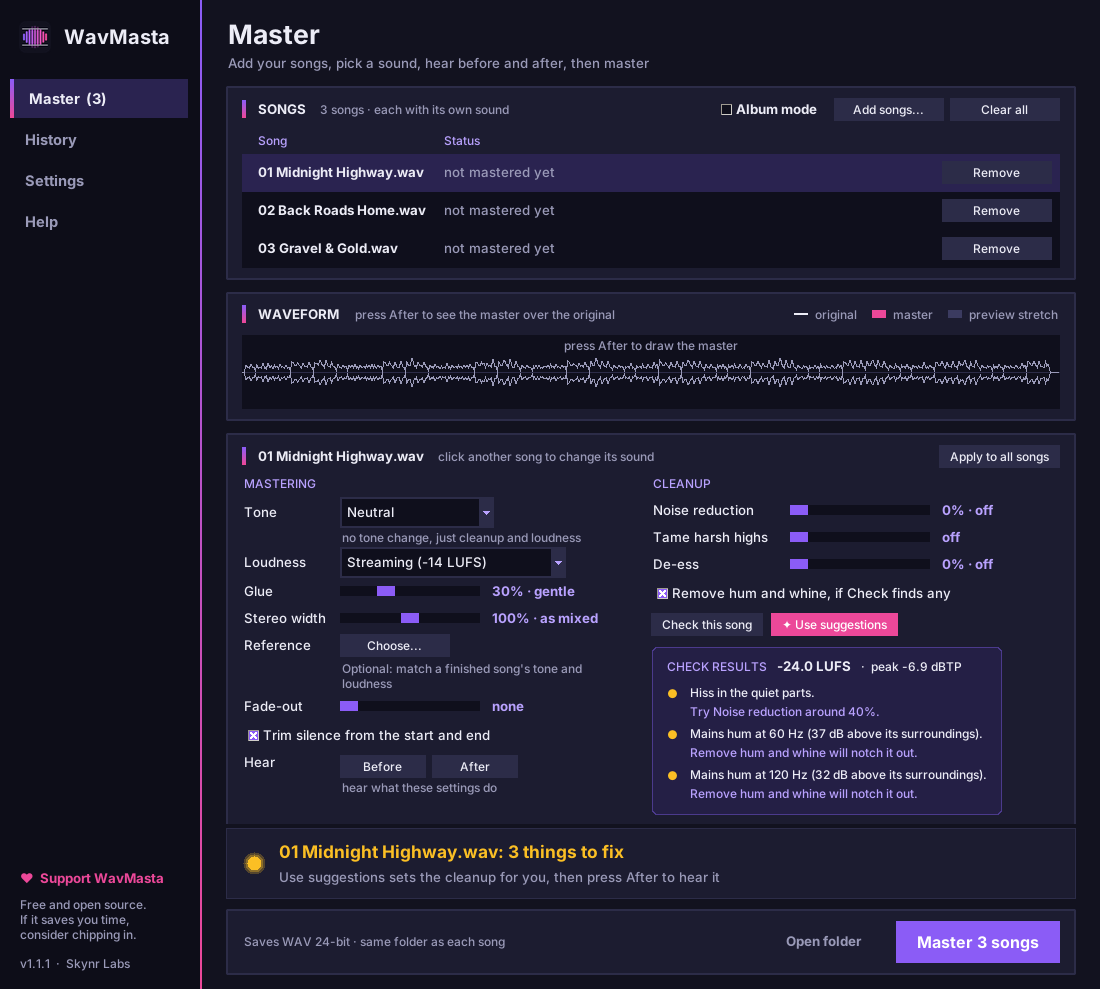
- 🔍 Check this song: measures loudness and true peak, and finds hiss, hum, whine, harsh highs, sharp "s" sounds and clipping, with a suggested fix for each one
- 🧹 Noise reduction: a gentle de-hisser that never touches the bass or the body of the mix
- 🔌 Hum and whine removal: notches out 50/60 Hz hum and steady whines, and leaves the notes in your music alone
- ✨ Tame harsh highs: softens fizzy, brittle top end, common in AI-generated songs
- 🐍 De-esser: turns down sharp "s" and "t" sounds in the vocal, only while each one lasts
- ✂️ Trim and fade: cuts dead air off both ends (without clicks) and fades the ending smoothly
- 🎚️ Tone presets: Neutral, Country, Roots rock, Pop, Warm and Bright, all gentle
- 🎯 Match a reference: pick a released song you love and WavMasta matches its tone and loudness
- 💿 Album mode: matches the tone and loudness of a whole set of songs, so the record plays as one
- 📏 Streaming-ready loudness: -14 LUFS for Spotify and YouTube, -16 for Apple Music, or louder, with a true-peak limiter that never clips
- 〰️ Waveform before and after: see what mastering changed, not just hear it
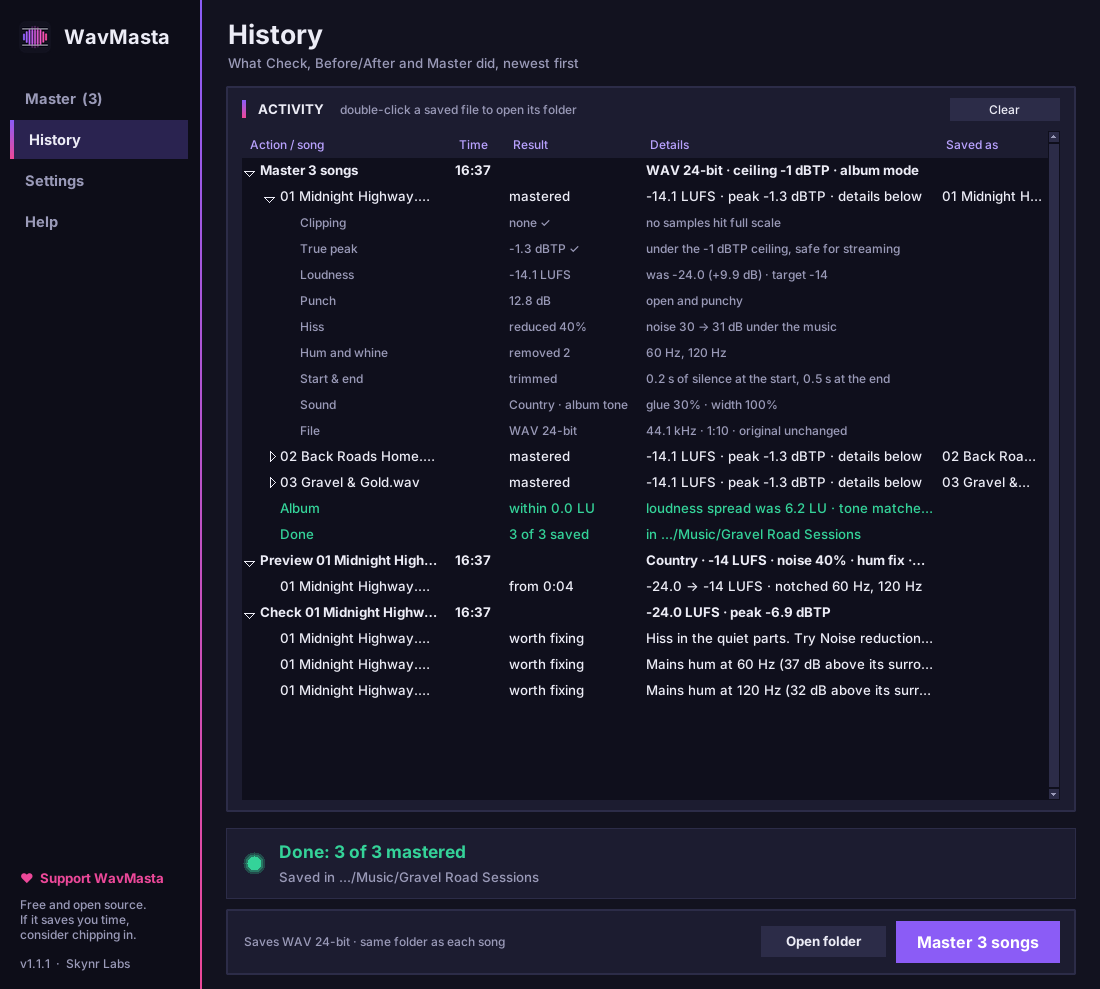
- 📋 A report for every master: clipping, peak, loudness, punch and what cleanup removed
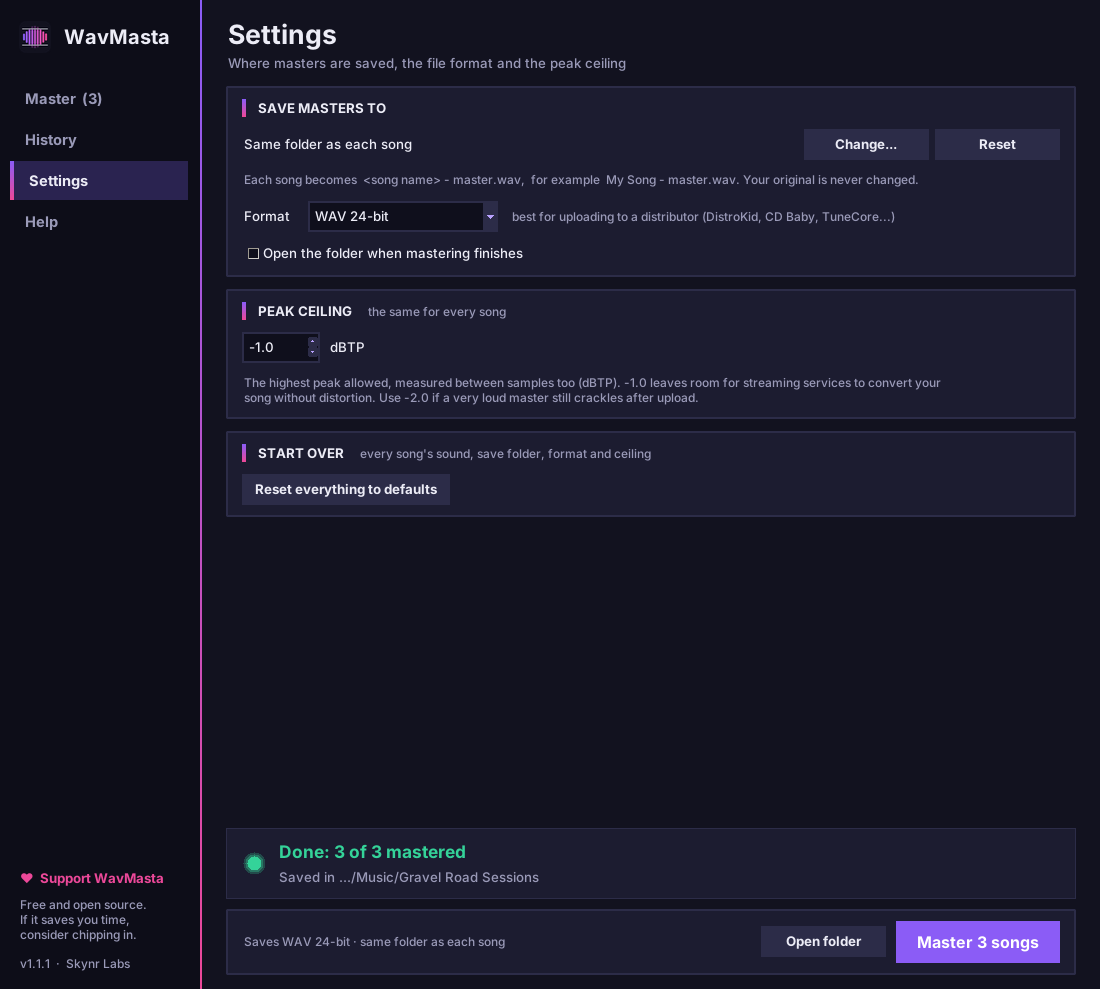
- 💾 Formats: WAV 24-bit (for DistroKid, CD Baby, TuneCore), WAV 16-bit for CD, FLAC and MP3 320
⚙️ How it works
- Drop your songs (or a whole folder) onto the window: WAV, FLAC, MP3, AIFF, OGG or M4A.
- Click a song, then Check this song. WavMasta lists what it found, and Use suggestions sets the cleanup for you.
- Pick a tone and a loudness, or choose a reference song to match. Tick Album mode to master a set together.
- Press After to hear the master and Before to hear the original, right under the settings. Tweak, listen, tweak again.
- Click Master. Each song is saved next to the original, ready to upload.
📥 Install
- Download WavMasta-Setup-1.1.1.exe.
- Run it and click through the installer. You don't need Python or admin rights.
- Open WavMasta from the Start menu.
Windows may show "Windows protected your PC" because the app isn't code-signed yet. Click More info → Run anyway. Your support helps pay for code signing so that warning goes away.
Requirements: Windows 10 or 11 (64-bit). To update, run the newer installer.
💡 Tips
- Mastering polishes a good mix; it can't fix a bad one. If the vocal is buried or the bass is boomy, fix it in the mix first.
- Louder isn't better on streaming. Spotify and YouTube turn songs down to about -14 LUFS, so a very loud master just ends up sounding flatter.
- Clipping in your mix can't be undone. If Check reports clipping, export the mix a few dB quieter.
🔐 Private by design
WavMasta runs entirely on your computer. Your songs are never uploaded anywhere.
💜 Free and open source
WavMasta is free, open source (MIT License) and made by one person at Skynr Labs. If it helps your music, a few dollars, a rating or a comment here goes a long way. You might also like Stemquill, which turns audio stems into MIDI for any DAW.
Download
Click download now to get access to the following files:
Leave a comment
Log in with itch.io to leave a comment.